Electrical Engineering Laboratory Simulator
An interactive lab course in electricity, from primary school to high school


Available in the browser and on iPhone, iPad, Mac and Android
About the project
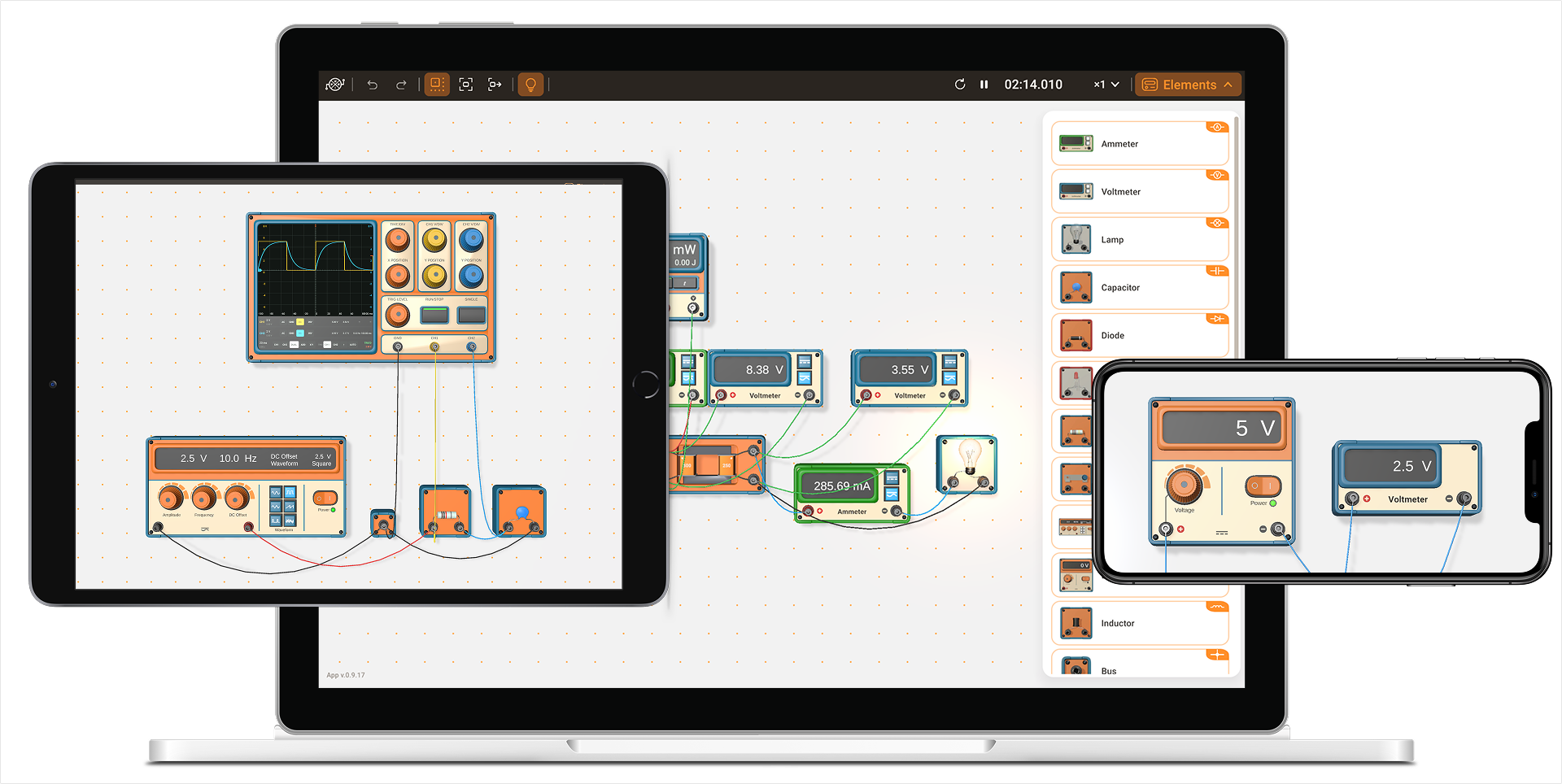
Experimenters is an electrical engineering laboratory for computers, tablets and phones. We provide an interactive lab course and a variety of example circuits.
The lab opens in the browser, the app for iPhone, iPad and Mac is on the App Store, and the app for Android is on Google Play.
You take instruments and components from the panel, place them on the wall and connect them with cables; each device has its own knobs and switches. The simulation runs while you assemble and change the circuit, and nothing prevents a mistake. Connect the ammeter in parallel with a lamp, and the supply switches itself off on overload the way a laboratory supply does.
Interactive labs
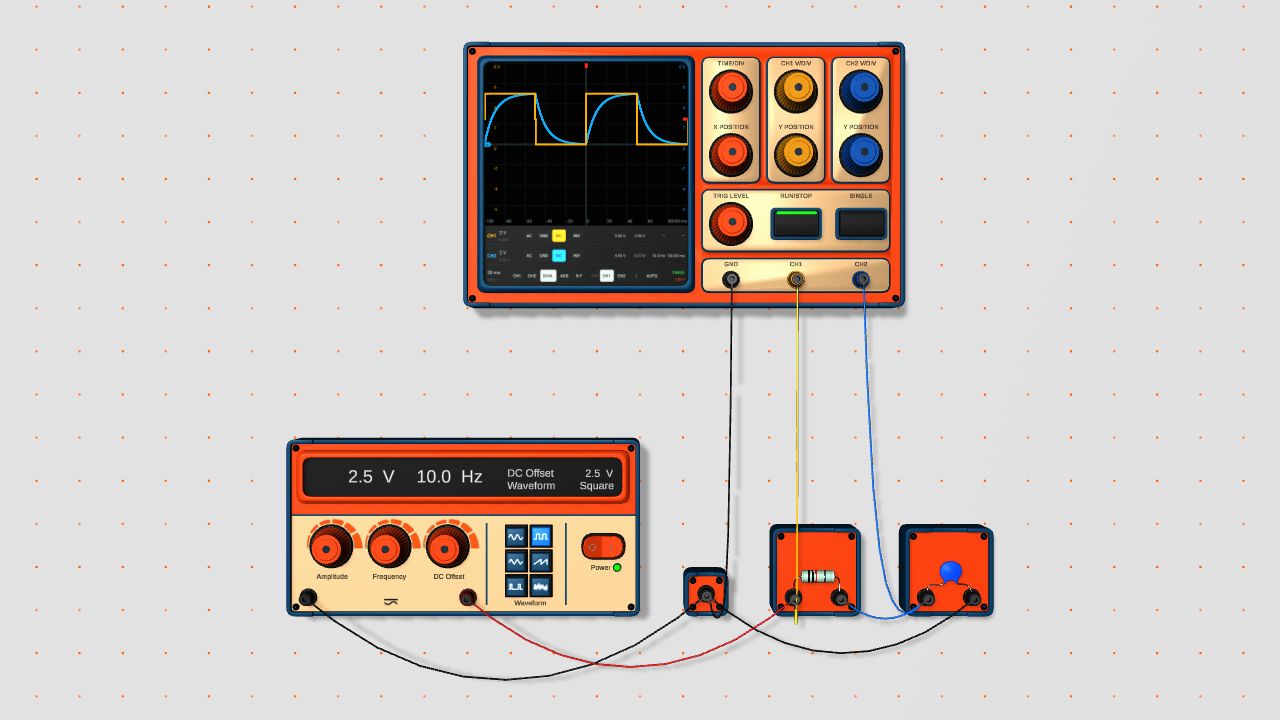
Each lab is a page with the bench already wired and a worksheet below it, from the procedure to the expected result. A student opens the link and starts measuring; there is nothing to set up before the lesson. You can change the circuit on the page, and Start over in the menu brings it back. A teacher can hide a value, such as the colour bands of a resistor, so that the student finds it with the instruments.
On the bench
Short the supply and its power switch flips off by itself; the indicator blinks red until you switch it back on.
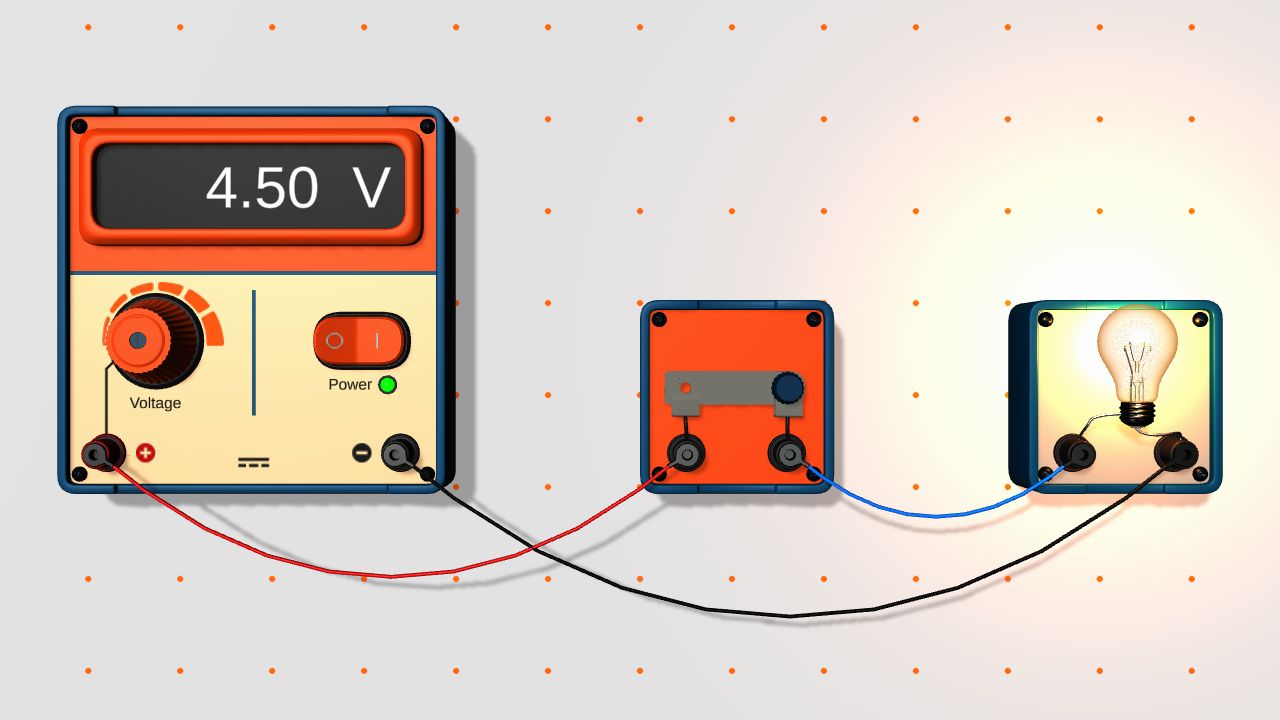
Put a lamp on too high a voltage and the filament flashes and breaks. To fit a new lamp, select it and clear Burned out. Replace a blown fuse the same way, with Blown.
Load a battery and the voltmeter shows less than the label says. The cell has an internal resistance; so do the supplies and the cables, which is why two identical branches can read slightly differently.
Turn off the room light and you see a filament that is too dim to notice with the light on, or the wire of a fuse glowing red just before it melts.
Slow the simulation down, and a flash that lasts a fraction of a second becomes easy to follow. You can save a circuit to a file, and install the lab from the browser as an app that then starts without the network.
Lab equipment
Power sources
-
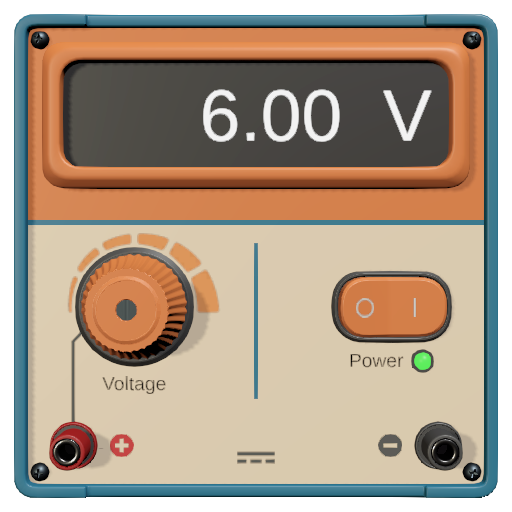
DC voltage source
Switches itself off on overload.
Lab: Short circuit
-
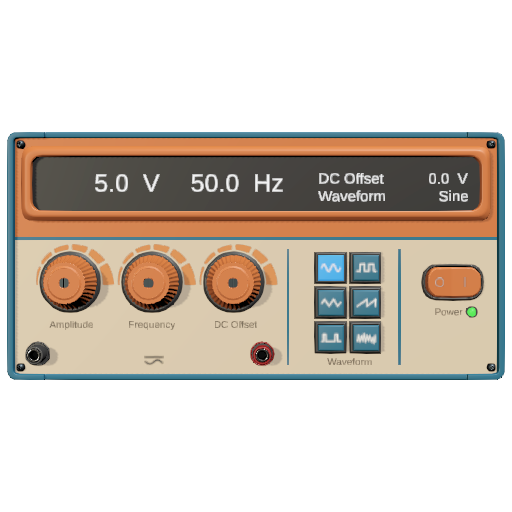
AC voltage source
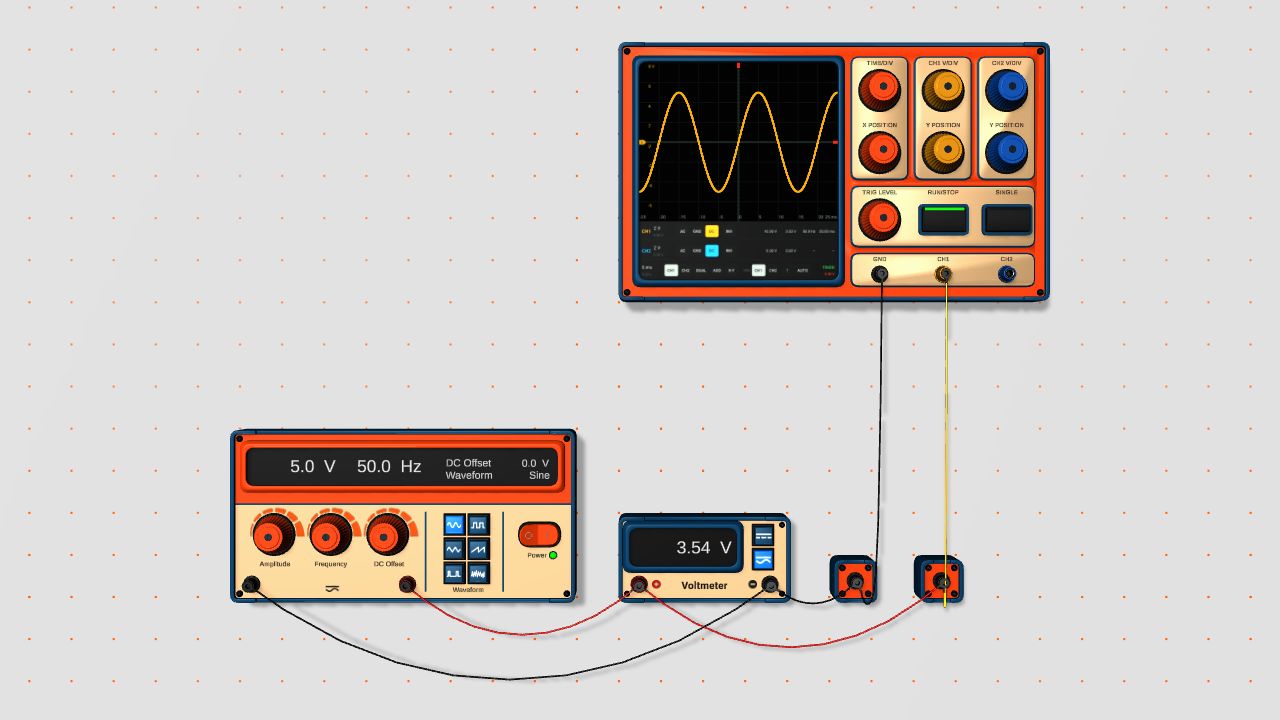
Doubles as the signal generator for the oscilloscope.
-
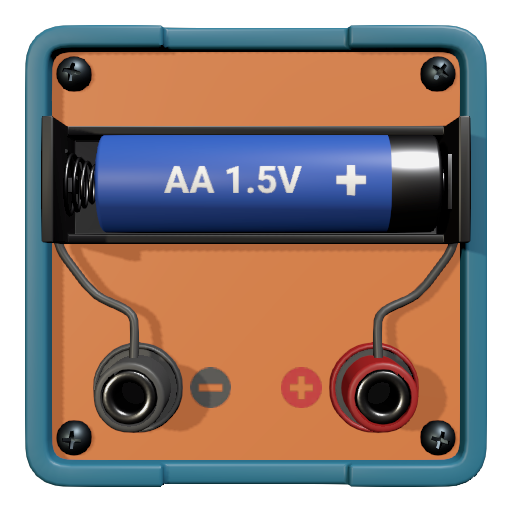
Battery
Its voltage drops under load, so you can measure the internal resistance of the cell.
Measuring instruments
-
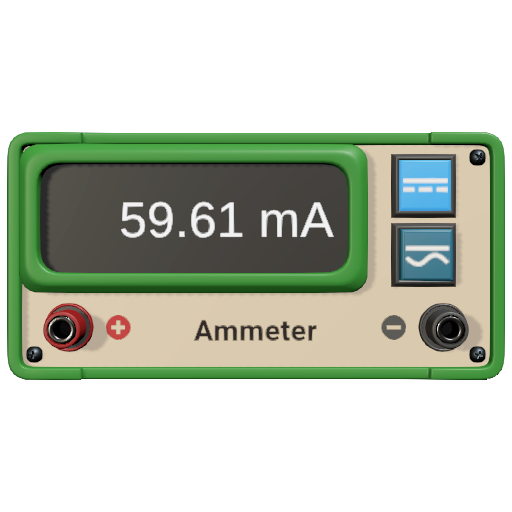
Ammeter
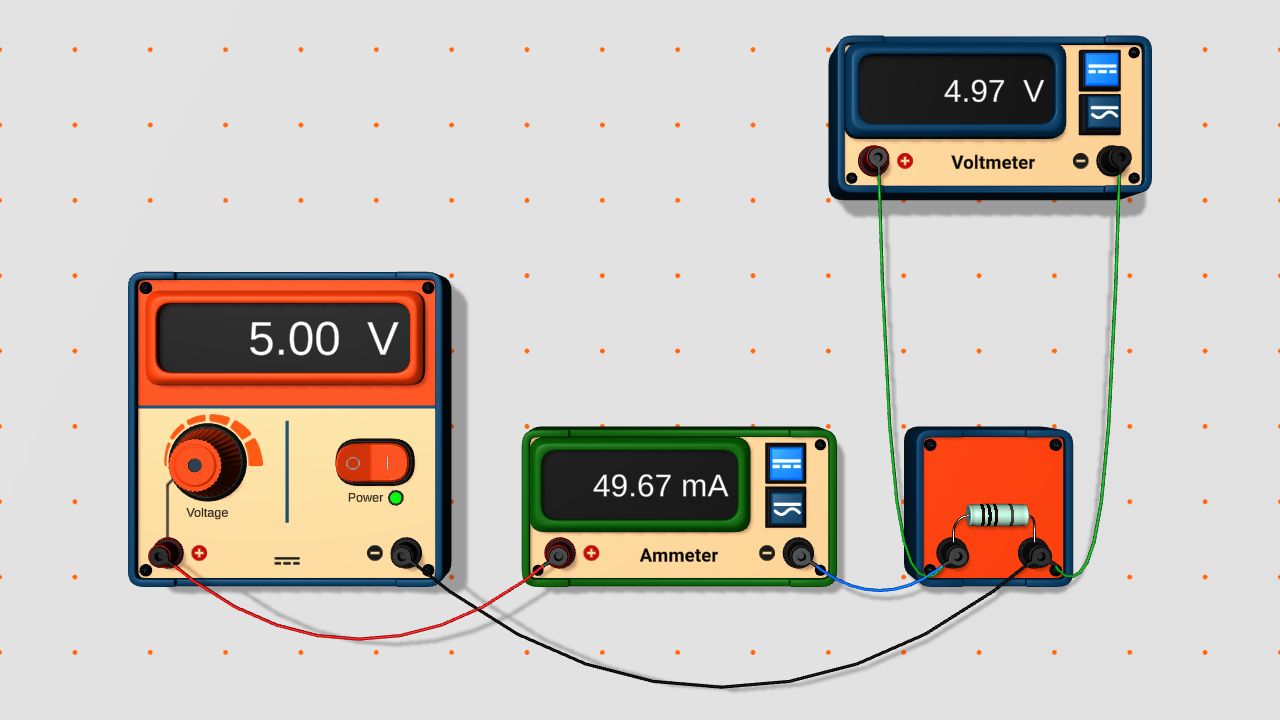
Reads direct current, or the RMS value of alternating current.
-
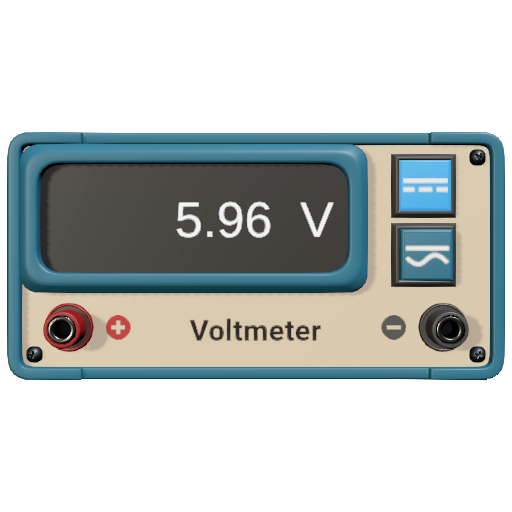
Voltmeter
Reads direct voltage, or the RMS value of alternating voltage.
Lab: RMS value
-
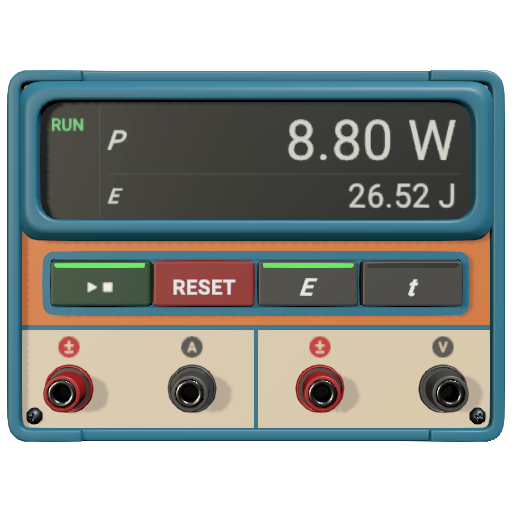
Wattmeter
Adds up the energy delivered to the load over time.
-
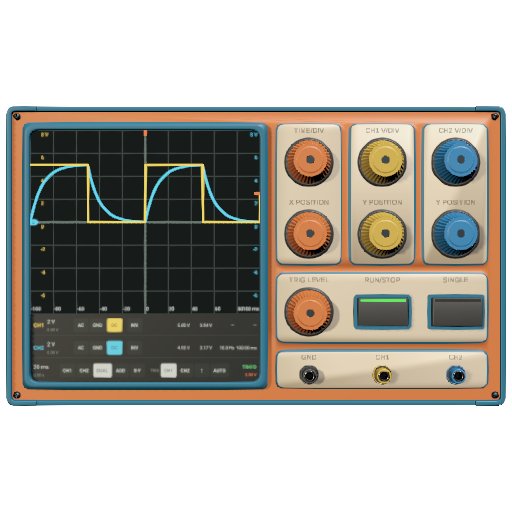
Oscilloscope
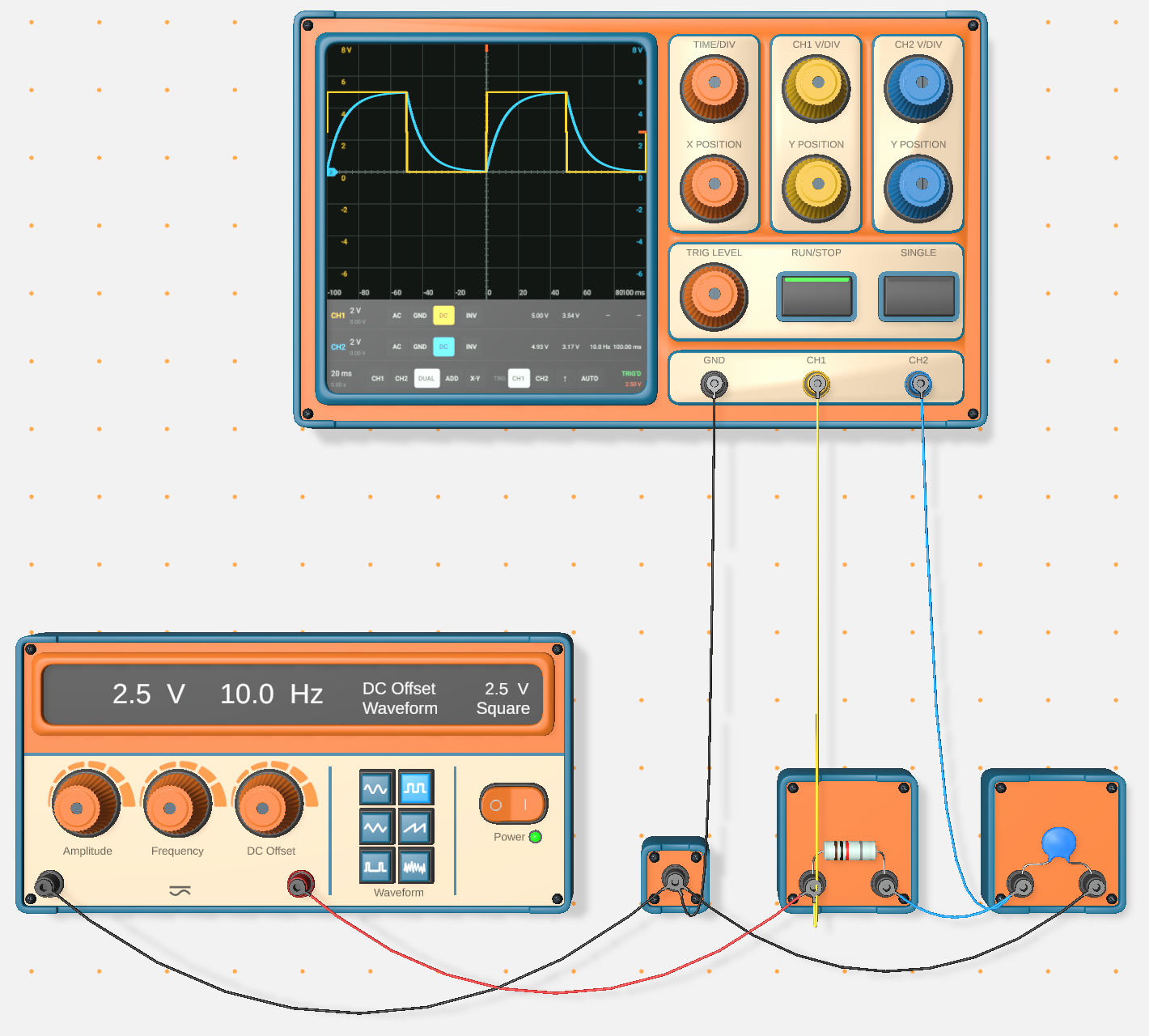
Its channels share a common ground, the usual trap when you measure two voltages at once.
Lab: Phase shift
Components
-
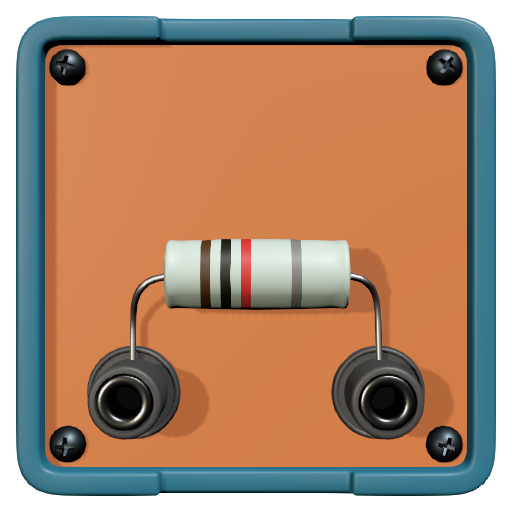
Resistor
Lab: Ohm's law
-
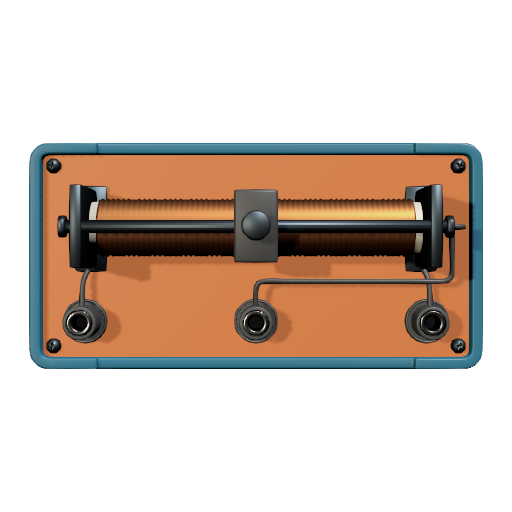
Rheostat
-
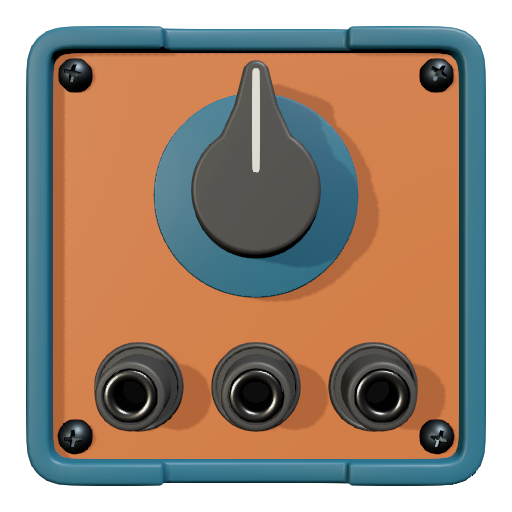
Potentiometer
-
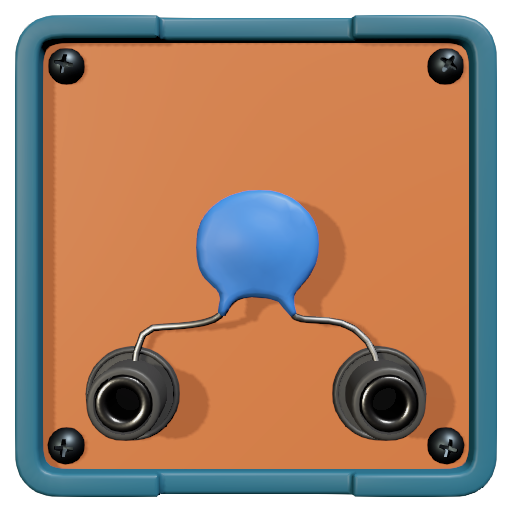
Capacitor
-
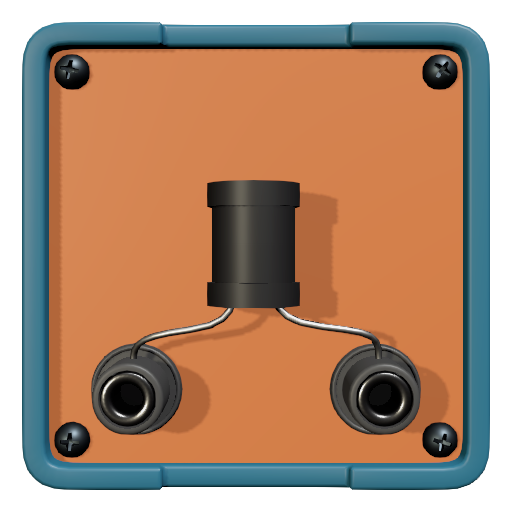
Inductor
-
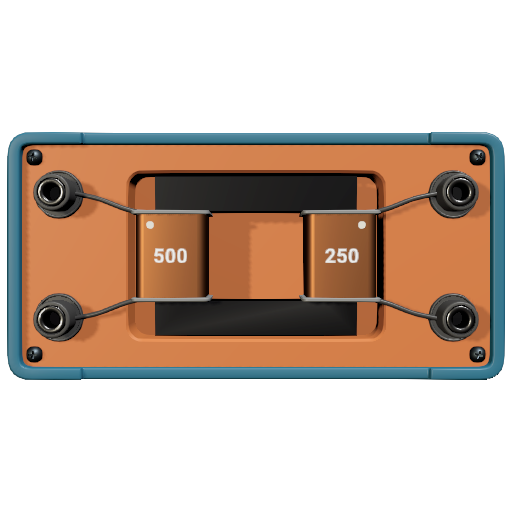
Transformer
Hide the numbers of turns, and the ratio has to be found from the voltages.
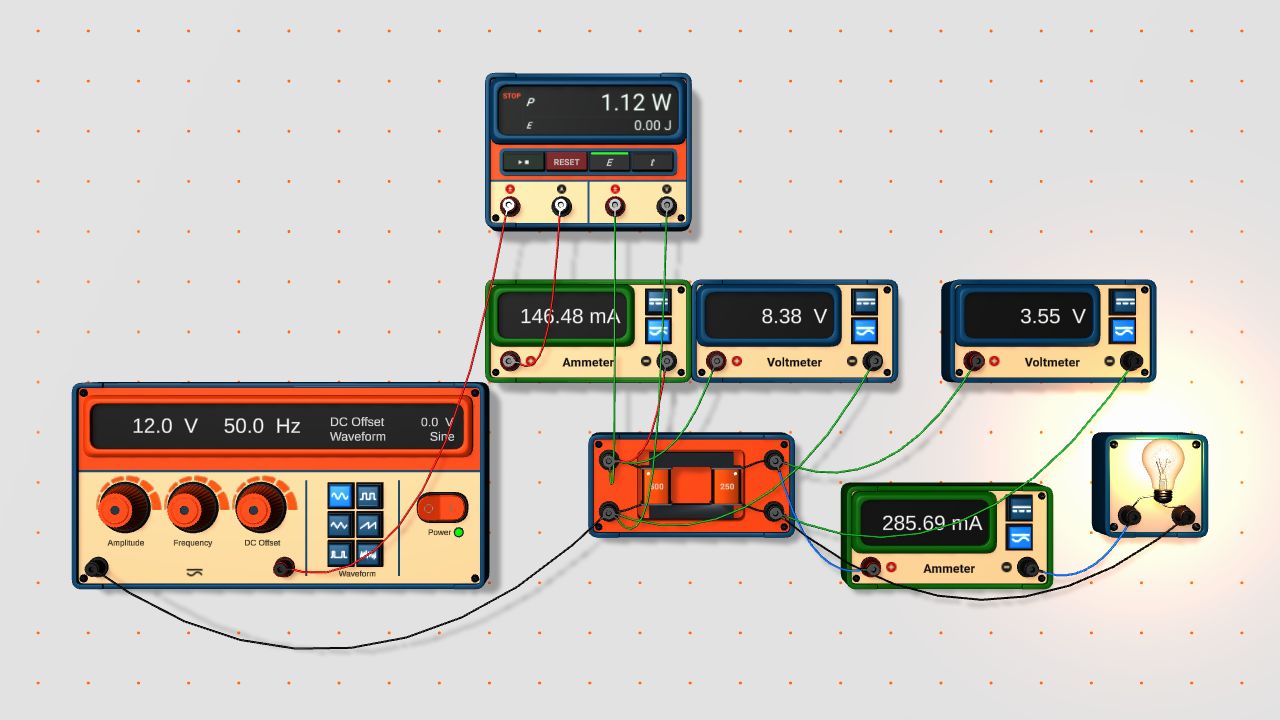
Lab: Turns ratio
Light and semiconductors
-
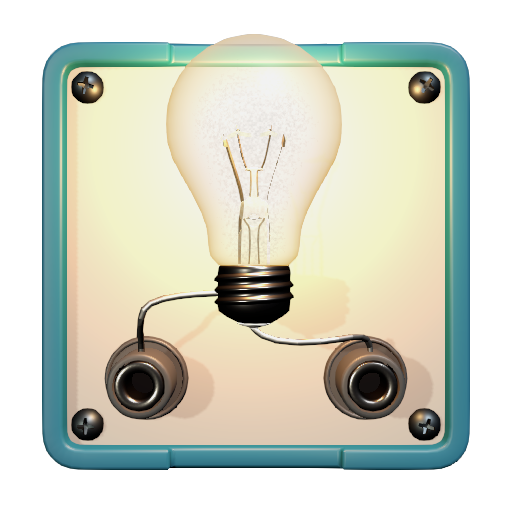
Lamp
A cold filament has a much lower resistance, so the current jumps at the moment of switching on.
Lab: I–V characteristics
-
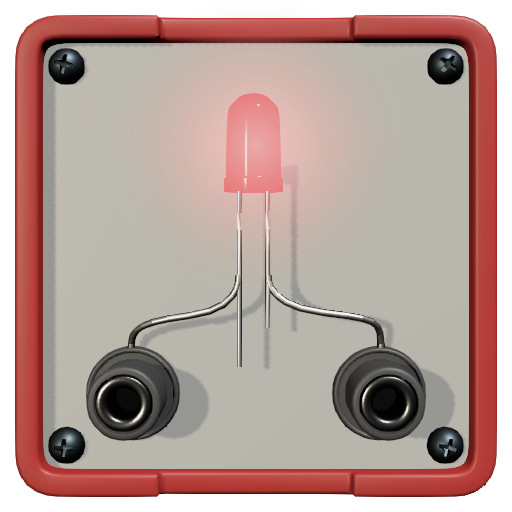
LED
Lab: Diode and LED
-
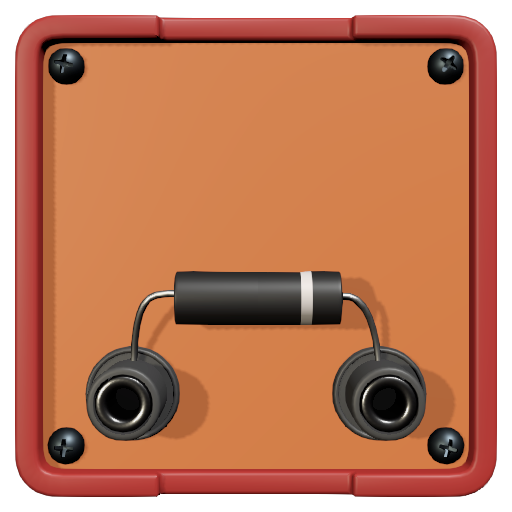
Diode
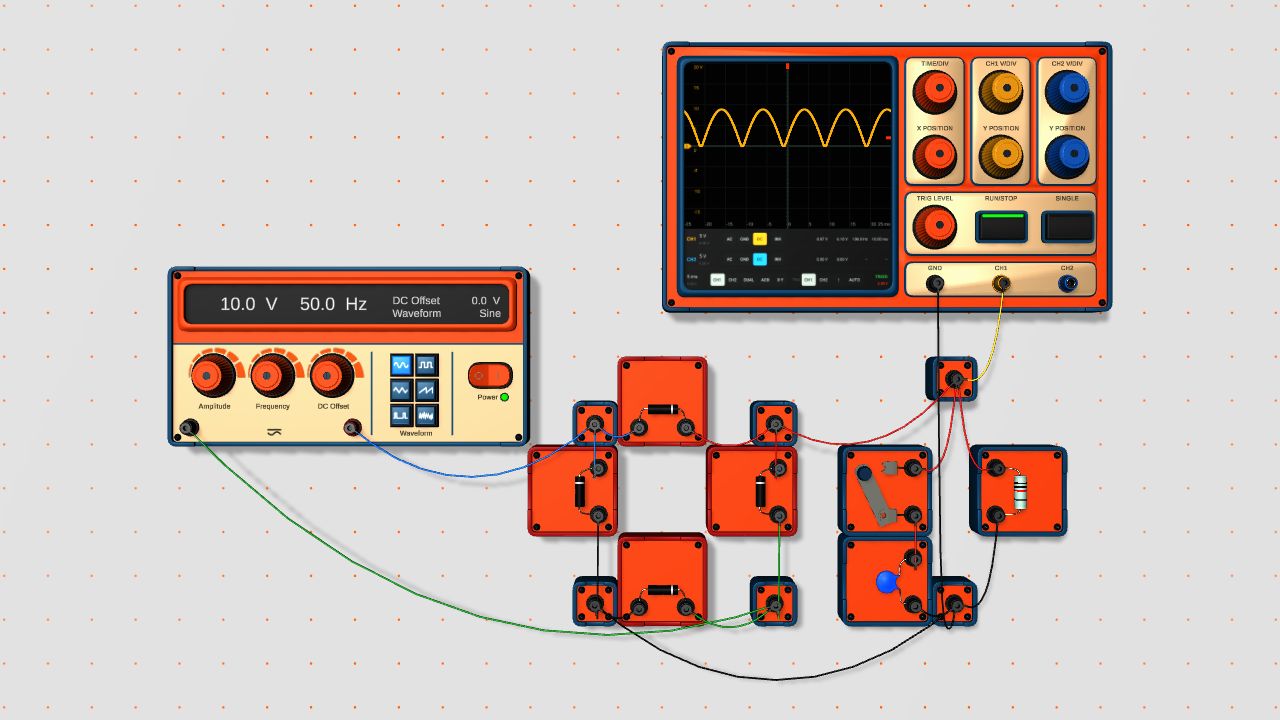
Lab: Rectifier
-
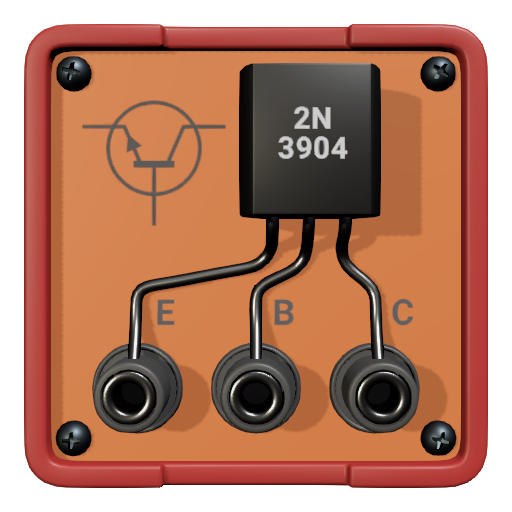
NPN transistor
Lab: Transistor switch
-
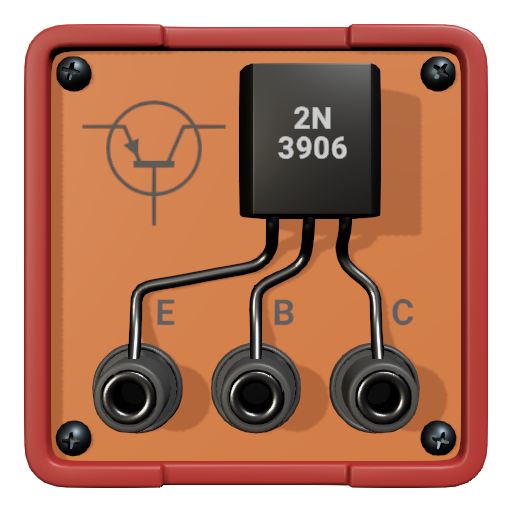
PNP transistor
Switching and protection
-
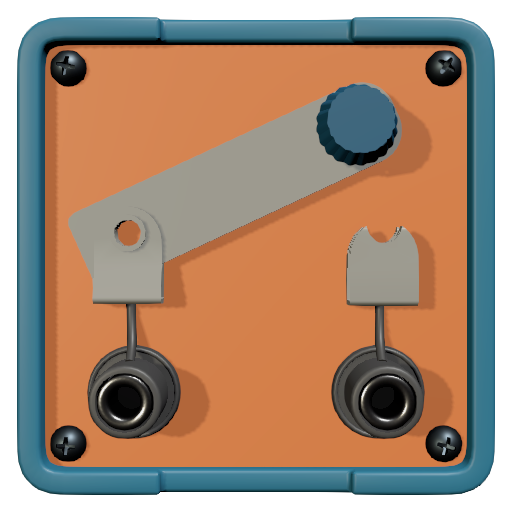
Switch
-
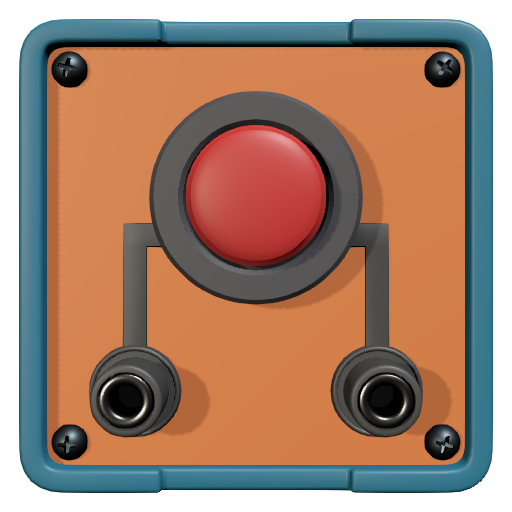
Push button
Keeps the circuit closed only while you hold it.
-
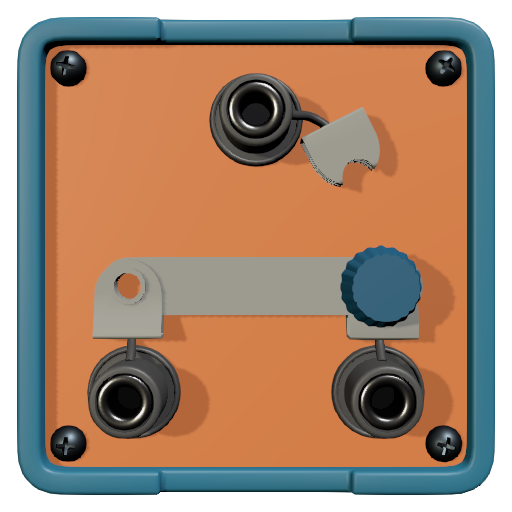
Two-way switch
Lab: Staircase lighting
-
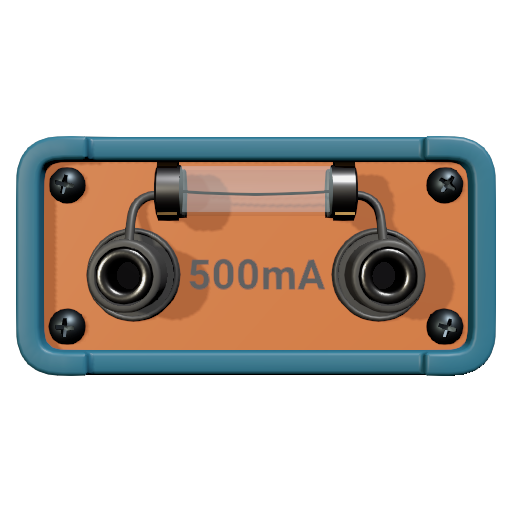
Fuse
On a short circuit, a fuse for a small current blows before the protection of the supply has time to act.
Lab: Fuse
-
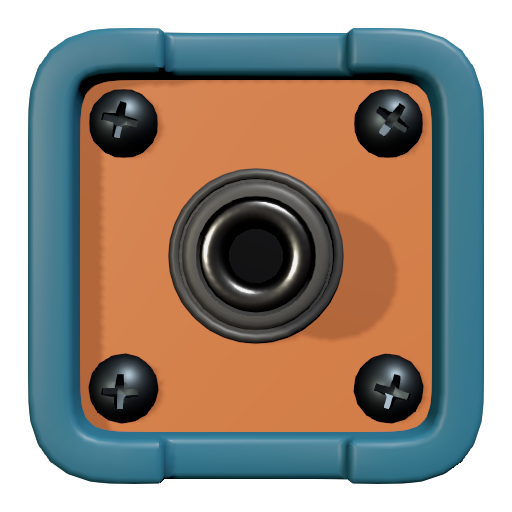
Bus
Plug several cables into it where the circuit branches.
-

Black box
Hide a circuit inside, and the student has to work out what is in the box from measurements at its terminals. Or build your own composite component.
Languages
The lab, the worksheets and this site are in English, Spanish, German, French, Italian, Brazilian Portuguese, Polish, Turkish, Indonesian, Russian, Ukrainian, Arabic, Chinese, Japanese and Korean. You choose the language of the lab in Settings.
First Achievements
-

Pre-incubation program participants
-

Second place of the week